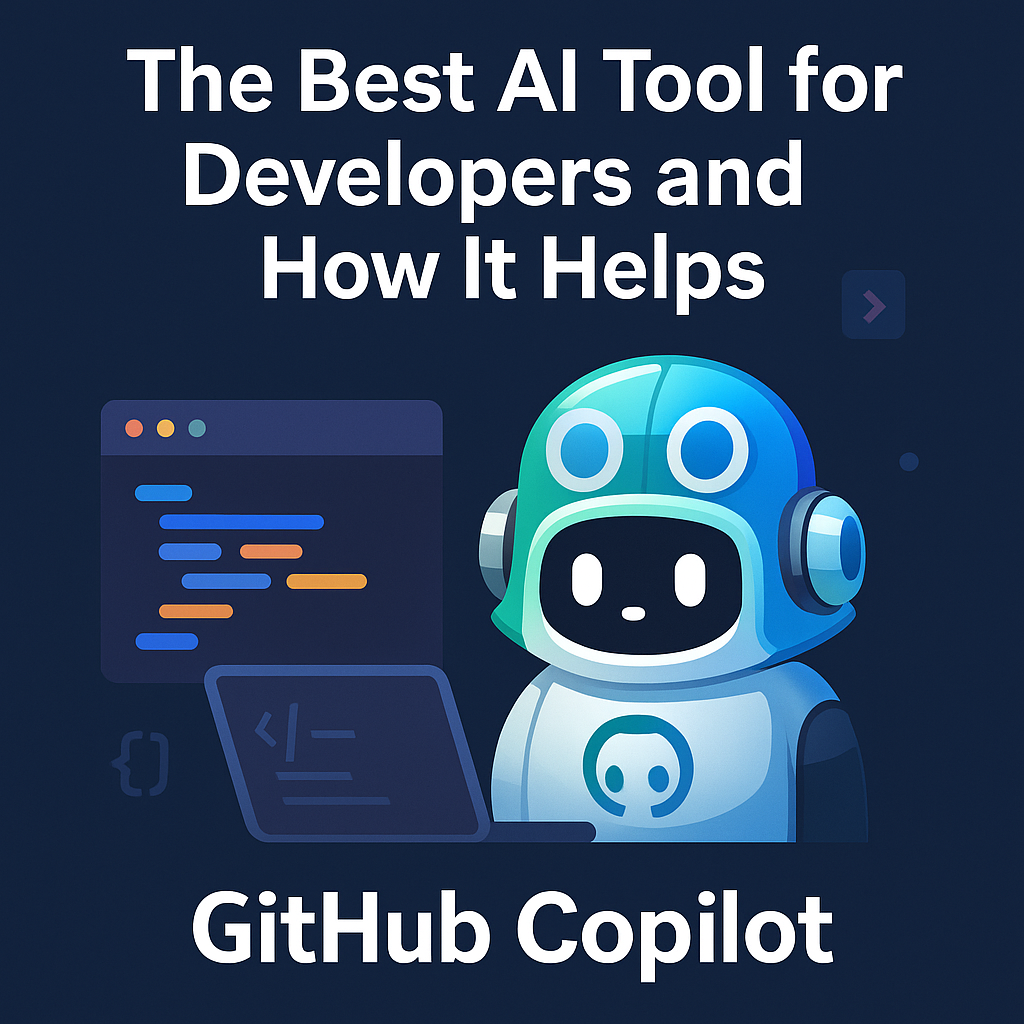
In the fast-paced world of software development, staying ahead means more than just writing clean code. Developers are increasingly turning to AI tools to speed up development, reduce bugs, and become more productive. Among the many AI tools available today, GitHub Copilot stands out as the best AI tool for developers.
What is GitHub Copilot?
GitHub Copilot, developed by GitHub and OpenAI, is an AI-powered coding assistant that lives inside your IDE (Visual Studio Code, JetBrains, Neovim, etc.). It uses the power of OpenAI’s Codex model to generate code suggestions based on the context of what you're writing.
Whether you're writing a new function, exploring a new language, or automating repetitive tasks, Copilot offers context-aware code completions in real-time.
Why GitHub Copilot Is the Best AI Tool for Developers
1. Accelerates Coding
Copilot helps you write code faster by suggesting complete lines or blocks of code. It can autocomplete boilerplate, repetitive patterns, and even complex algorithms with minimal input.
💡 Example: Type a function name like getUserData() and Copilot can generate the entire function body based on your context.
2. Reduces Debugging Time
Copilot can catch potential issues by offering smarter suggestions. Instead of wasting time trying to remember syntax or logic, developers can focus on higher-level problems while Copilot handles the low-level implementation details.
3. Supports Multiple Languages and Frameworks
From Python, JavaScript, TypeScript, Ruby, and Go, to frameworks like React, Vue, Django, and Flask — Copilot supports a wide range of languages and ecosystems. This makes it a universal assistant for full-stack, backend, and frontend developers alike.
4. Great for Learning and Exploration
New to a language or trying a new framework? Copilot acts like a mentor, showing you best practices, idiomatic patterns, and real-world code examples on the fly.
5. Streamlines Documentation and Tests
Copilot can help generate unit tests, write docstrings, and create markdown documentation, saving time and improving code quality.
Real-World Use Cases
-
✅ Frontend Developer using React gets instant suggestions for hooks and UI logic.
-
✅ Backend Developer building an API in FastAPI or Express gets code autocompletions for route handlers.
-
✅ DevOps Engineer working with Docker or YAML files gets precise snippets without memorizing all syntax.
-
✅ Data Scientist quickly generates pandas or matplotlib code for analysis and visualization.
Bonus: Other AI Tools Worth Exploring
While Copilot leads the way, there are other powerful AI tools developers can consider:
-
ChatGPT (OpenAI) – For asking coding questions, debugging help, and architectural decisions.
-
CodeWhisperer (AWS) – An AI assistant integrated with AWS services.
-
Tabnine – Another AI-powered code completion tool trained on open-source code.
-
Cursor – A specialized AI coding editor with inline explanations and powerful ChatGPT-style prompts.
Final Thoughts
AI tools like GitHub Copilot are not here to replace developers—they’re here to empower them. From speeding up development to enabling faster learning and reducing bugs, the integration of AI into development workflows is becoming essential.
If you haven't already, give GitHub Copilot a try. The future of development is collaborative—between human intelligence and artificial intelligence.
🔗 What's your favorite AI tool as a developer? Share your experience in the comments!